

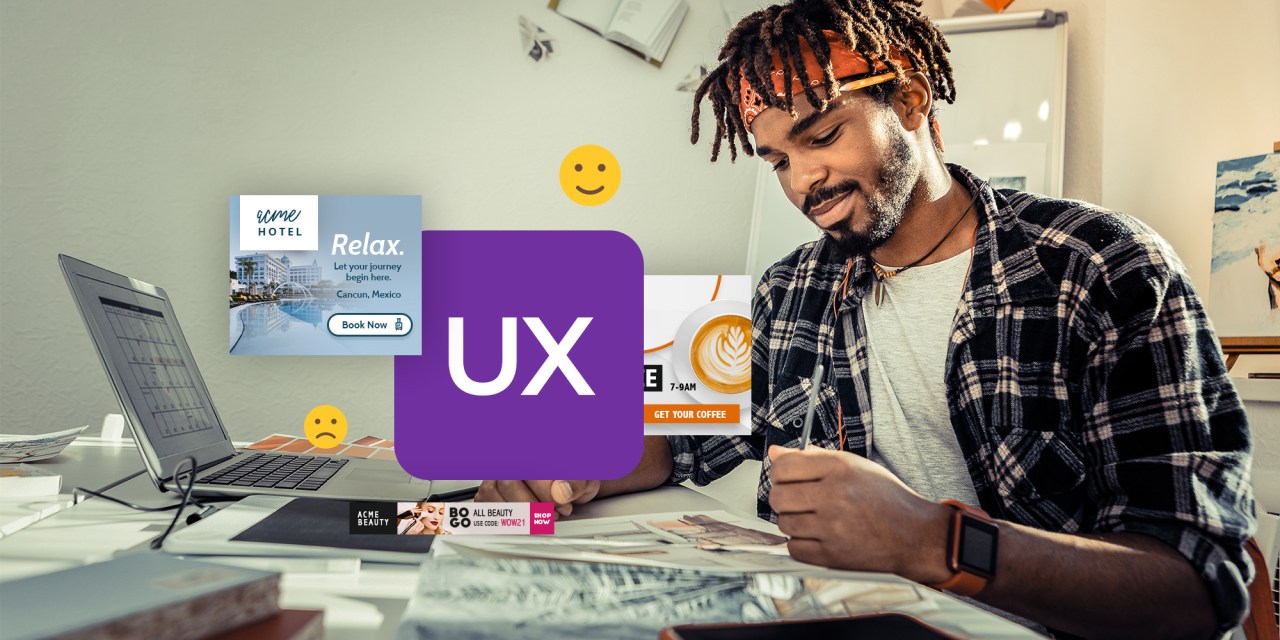

Display ads continue to be one of the most popular and purchased tactics in local media. They offer a way to target specific audiences with compelling messaging. Their design directly impacts attention, recall and conversions. One area of this is display ad UX (user experience).
In this post, we’ll discuss what display ad UX is and best practices that can improve performance.
What Is Display Ad UX?
Display ad UX describes the user experience when people interact with them. It includes their design and functionality. Most consumers are aware of display ads, but they’ve become good at tuning them out. They also understand that clicking them should take them to a website, usually a landing page relevant to the ad’s content.
Display Ad UX Best Practices
Banner ads appear on websites and in apps and operate as digital billboards for a brand. However, most common display ad sizes don’t provide a lot of real estate. Ads need to be attention-grabbing, concise and relevant. Achieving this involves UX considerations.
UX Structure: Get to the Point Fast
In ad design, UX structure can guide creative. When considering what matters, get to the point quickly. Ways to do this with design include:
- Single, targeted headlines with no fluff
- Company branding consistency with colors, logos and font
- A clear CTA
- A focal point image that’s high quality, meaningful and represents the ad’s message or audience
These are the building blocks of display ad UX.
Technical Elements Improve UX
In looking at the technical elements of UX, there are several best practices to embrace. These include:
- Color optimization: Web browsers read hexadecimal codes, so use hex values or RGB for optimization.
- File size: Compress file sizes to be as small as possible without any effect on quality. Using a tool like TinyPNG can help.
- Color contrast: It’s crucial to use contrasting colors for background and text for readability and accessibility.
- Text size: Another important technical element is font size. Experts say that 16 pixels is a good benchmark. Remember, people will only glance at an ad for a few seconds, so they need to be able to scan it.
- Defined frames: Display ads appear on a variety of backgrounds, so using a frame around the ad draws eyes to it and ensures it doesn’t fade into the background.
Visual Design UX Drives Engagement
Structure and technical elements are the foundation; visual design completes the user’s experience. When chatting with advertisers about design, start with the importance of high-quality modern imagery. It’s fundamental to engagement!
CTA buttons are another design component. Having an actual button presents a clear message to “act” by users. Contrasting colors come into play with button design. Placing them at the bottom or right side of the ad is a good tip, as it follows the logical way we read on screens.
Animation in your display ad can be a plus. It allows for more space to tell a story and use multiple images. For product-specific ads, including several pictures, gives viewers a better overview. It’s best to keep animation under 15 seconds with looping no more than three times.
Better Designed Ads Fuel Better Performance
Sharing these display ad UX strategies showcases your knowledge and expertise. Many of your advertisers may have limited knowledge about design and UX. With your guidance, their ads will represent their brand and promotion effectively.
For more creative best practices, check out these resources:
Display Ad Design: Beyond the “Slap a Logo on a Banner” Mentality
Ask the Expert: 8 Fresh Ideas for Advertising Creative


